A birthday through the years
Five photographs can tell a 30-second story: childhood, an early adventure, a milestone, a family moment and a recent portrait. End with a short birthday message.
Make a birthday surprise, revisit a wedding or gather a few everyday moments. Start with 2–10 photographs and give each one a place in the story.
Make a filmArrange your photos in the studio. Film assembly availability is shown before you confirm.
See token packs & prices →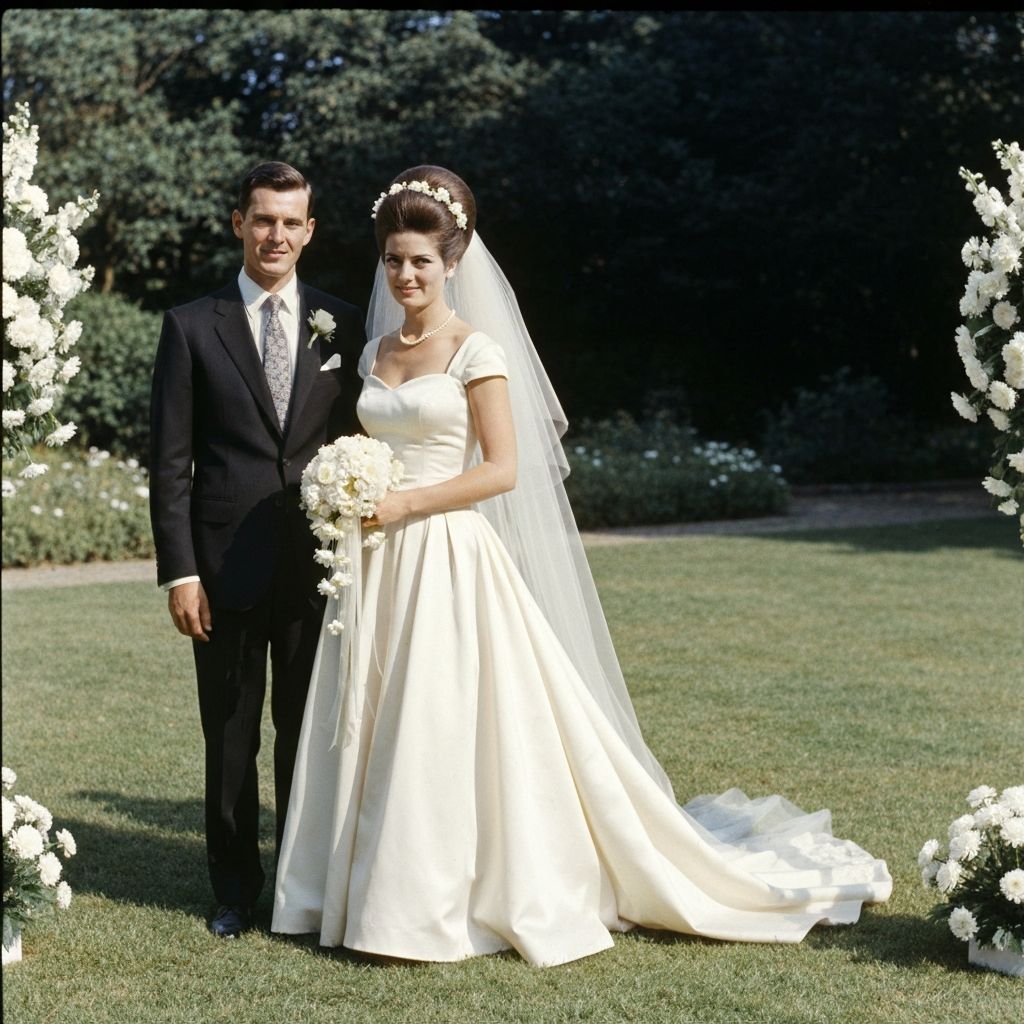
Upload 2–10 photos and choose their order. Start with a welcoming portrait, add shared moments and end with an image that feels like a conclusion. Each scene can run for 2–6 seconds, up to 60 seconds in total.
Choose restrained animation for each scene. Write your idea, or use the assistant to help plan it. Add a title, short scene captions and a cut, fade or dissolve transition. Choose landscape, portrait or square framing.
Optional music has its own price. Choose calm, warm, celebratory, cinematic or energetic music and refine the description. Review the plan before generation. When assembly is available, download the finished film, silent video and music separately.
Five photographs can tell a 30-second story: childhood, an early adventure, a milestone, a family moment and a recent portrait. End with a short birthday message.
Pair a wedding portrait with a few moments from later years. Gentle transitions and warm instrumental music can help the pictures feel connected.
A garden, a shared meal, a familiar smile. A film does not need a major occasion. Let the quieter photographs set the pace.
Review the proposed scenes, music description and captions before confirming. An assistant’s plan is editable.
Make a 30-second birthday film from these five photos in their current order. Use gentle, natural motion and soft fades. Add warm instrumental piano without vocals. End with the caption “Happy birthday, Grandma”. Keep faces and clothing consistent with the originals.
The film planner accepts 2–10 photos. Plan for 2–6 seconds per photo. Five photos can fill 30 seconds; ten can fill up to a minute. A shorter film can often feel more focused.
No. You can upload photos and set the motion, captions, transitions, framing and music yourself. The assistant is optional and helps turn a written idea into an editable plan.
Music is an optional paid addition when the music service is available. The completed production offers a film with audio, a silent video and the generated music as separate downloads.
You can plan a sequence and direct each animated scene. This does not guarantee continuous action or identical details across separate photographs. A coherent order, similar framing and restrained motion make the sequence easier to follow.