A birthday hello
A small wave in a familiar portrait can become the opening to a birthday message for a parent or grandparent.
Give a favorite portrait a little movement. A gentle smile, a small turn, a wave — begin with a photo you love and choose what happens next.
Animate a photoUpload a photo, choose the motion and review the cost.
See token packs & prices →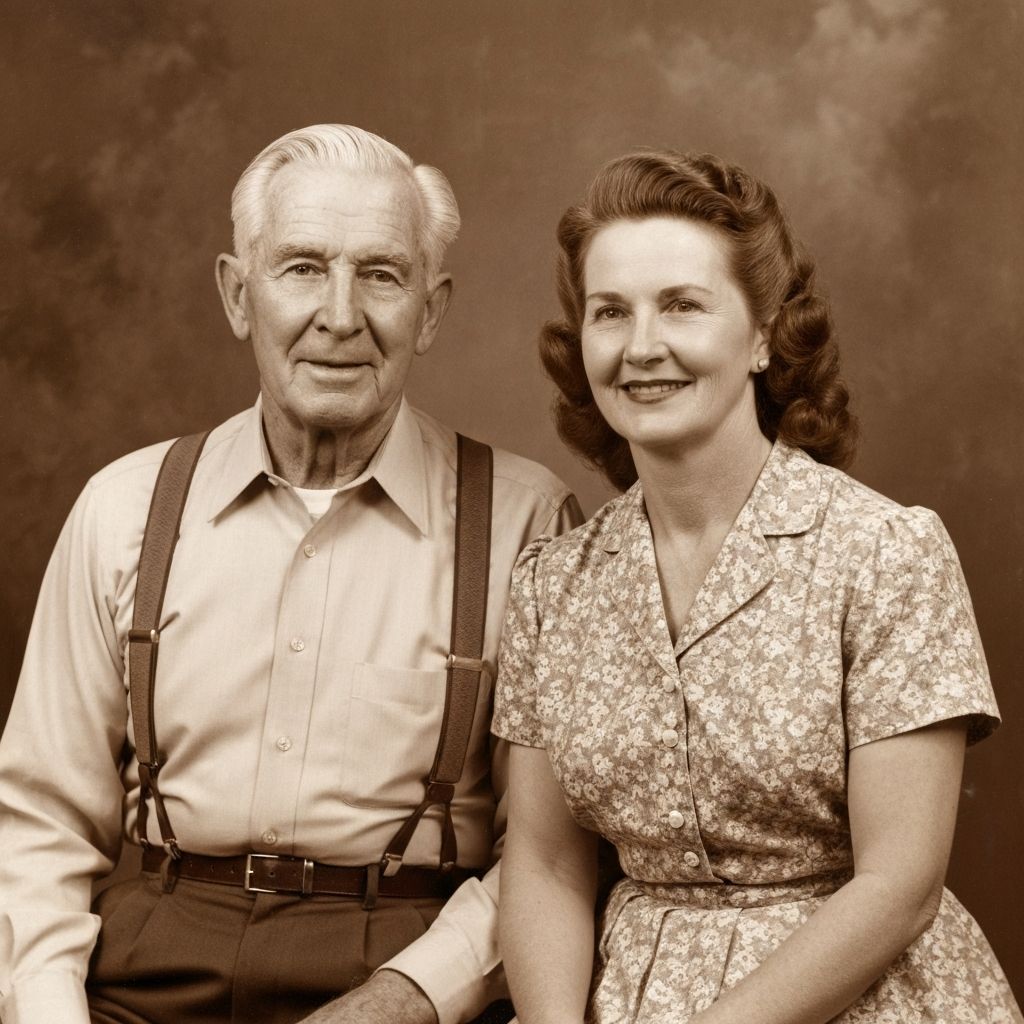
Use a scan or an original digital file. Keep the face visible, leave room around the head and avoid reflections from photographing a print under a lamp.
Choose natural movement, a smile, a wave, a look, a hug or a cinematic feel. Add a short prompt to describe the movement you want. For hugs, use a photo where the people are already close together.
Review the photo, motion and token cost before starting. When the clip is ready, check faces and hands before downloading or sharing it.
A small wave in a familiar portrait can become the opening to a birthday message for a parent or grandparent.
Keep a couple’s pose and request a subtle glance or smile. A small gesture is easier to keep natural than a new dance or a large turn.
Use a gentle expression and keep the original framing. Label the result as an AI animation when sharing it as part of a family story.
A starting direction, not a guaranteed outcome. Simpler movement gives you fewer details to check.
Keep the same people, clothing and background. The person gives a small, relaxed smile and a subtle natural blink. Keep the camera steady. Minimal head movement; no new objects or people.
You can start with a black-and-white photo. You do not have to colorize it first. If the face is blurred or damaged, try a photo enhancement first and compare it with the original.
You can use a group photo, but a model may change faces, hands or interactions. Use clear, separated faces and restrained movement. A requested hug works best when the people are already close in the original photo.
No. AI predicts new movement from a still picture. It cannot recover the actual expression, personality or events outside the photograph.
The selected action shows its token cost before you start. Buy a one-time pack or a custom amount on the pricing screen. Check the current offer there; an animation uses more tokens than an individual photo edit.