A color interpretation
Add a natural-looking palette to a monochrome photograph. If you know the clothing or eye color, describe it rather than asking the model to guess.
A faded print, a small family portrait, a black-and-white favorite. Choose the edit your photo needs: improve, colorize or upscale.
Improve a photoChoose enhancement, colorization or upscaling in the studio.
See token packs & prices →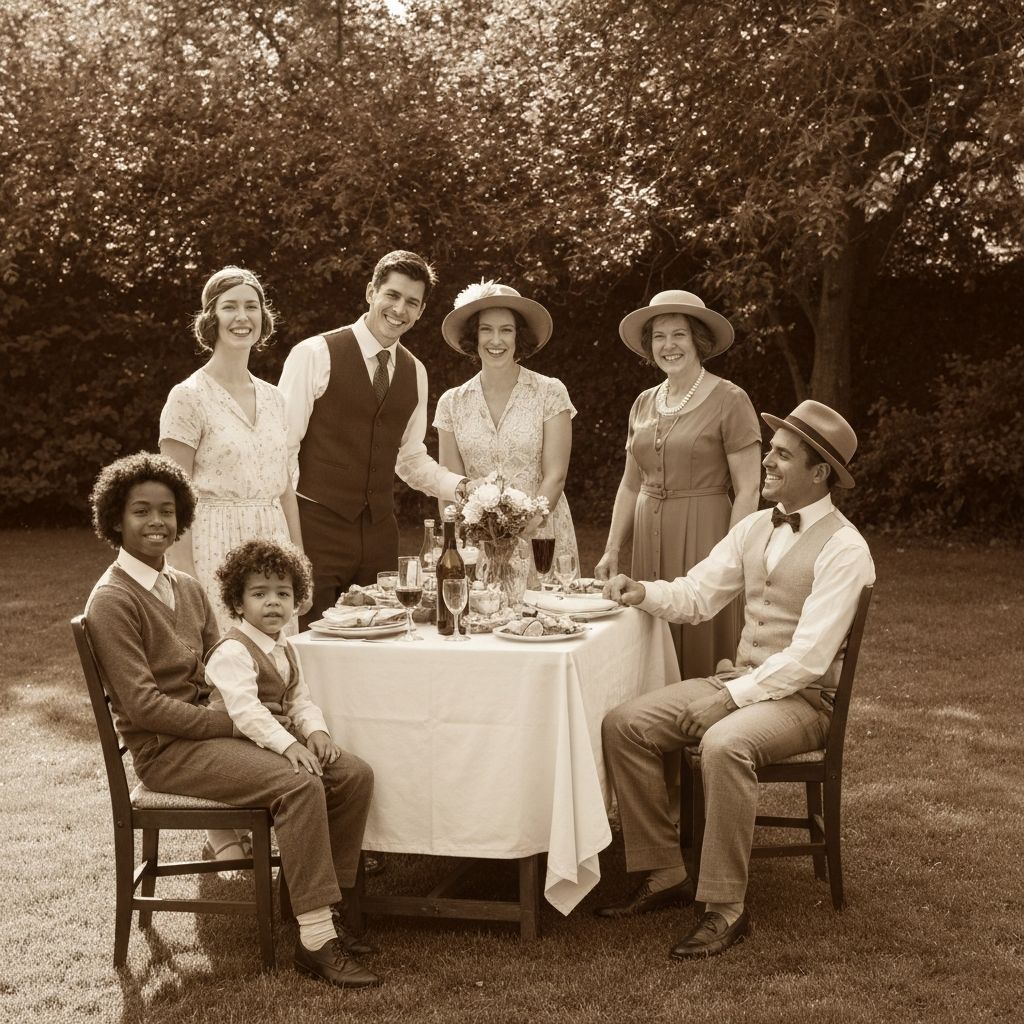
Scan the whole print with even lighting. Keep the original file separately. An image sent through a messaging app may have lost detail before you upload it.
Enhance for general clarity, colorize to add plausible color, or upscale for a larger image. These are different tasks: making a file larger does not establish what a missing detail originally looked like.
Review eyes, facial features, jewelry and writing against the original. Download a result you like, keeping both versions so the original memory remains available.
Add a natural-looking palette to a monochrome photograph. If you know the clothing or eye color, describe it rather than asking the model to guess.
Try enhancement on a faded family image. Check the faces closely: extra detail can be invented by the model rather than recovered from the print.
Prepare individual images before animation. Use similar crops and avoid heavy changes to one image that make it look out of place with the rest.
For the colorize option. Add colors you know from the original scene; otherwise treat the result as an interpretation.
Colorize this photograph with restrained, natural colors. Preserve the faces, clothing shapes, original composition and photographic grain. Use realistic skin tones and soft contrast. Do not add people, objects, text or modern details.
No. A black-and-white image does not record enough information to establish the original colors. AI creates a plausible interpretation; details you know can help guide it.
Enhancement changes the visual appearance, such as clarity and contrast. Upscaling increases image dimensions. Neither can guarantee that newly generated detail is historically accurate.
Results depend on the source. Missing faces, large tears and heavy blur can cause invented details. Start with the best scan available and judge the result against your original.
Photo edits and animations have different token costs. The selected operation shows its price before generation. The pricing screen lists the current packs and what you can make with them.