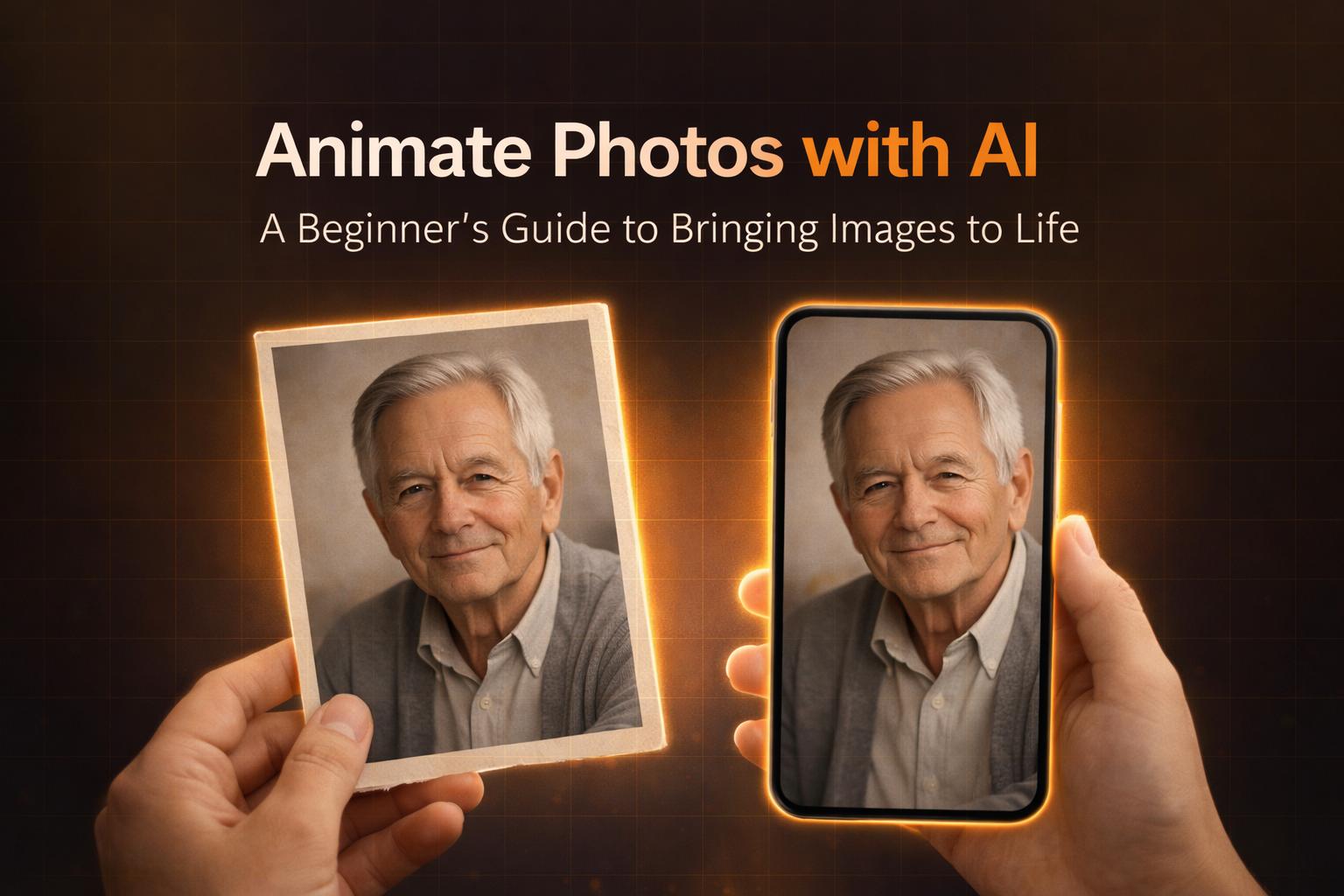
Animate Photos with AI: A Complete Beginner’s Guide
Turning still photographs into lifelike animated clips is one of the most exciting creative tools available in 2026. With modern AI, you can animate portraits, old family photos, and digital snapshots in just a few seconds — without editing skills or software. This beginner-friendly guide explains how AI photo animation works, how to get started, and how to achieve the best results.
What Is AI Photo Animation?
AI photo animation is the process of adding motion to static images using generative models. These models analyze key features in a photo — such as faces, depth, and contours — then predict realistic motion like smiles, eye blinks, or gentle head turns. Compared to traditional animation, AI removes the manual effort and produces results automatically in seconds.
Why People Animate Photos in 2026
AI-powered animation has become popular for many reasons: ✔ brings old photos to life ✔ enhances emotional storytelling ✔ increases engagement on social media ✔ works for gifts, slideshows, and events ✔ requires no editing skills Animation is becoming a new visual language for memories.
How AI Photo Animation Works
Modern AI animation typically involves: Image analysis — identifying key features Motion prediction — inferring how these features would move Frame generation — creating motion in small transitions Video output — rendering a short animation clip Some platforms support advanced controls like camera movement, motion strength, and custom prompts.
Step-by-Step Guide: How to Animate a Photo
Below is the full workflow beginners should follow.
Step 1 — Choose a Good Source Photo
For best results, use a photo that is: ✔ high resolution ✔ well lit ✔ in focus ✔ with a clear subject Portraits and close-up photos animate especially well.
Step 2 — Upload Your Photo
Most tools accept common formats like: ✔ JPG ✔ PNG ✔ WebP Once uploaded, the image is automatically analyzed by the AI.
Step 3 — Select an Animation Style
Animation styles vary but common options include: ✔ eye blink ✔ small smile ✔ head tilt ✔ camera push-in ✔ subtle motion Beginners should start with presets before moving into manual controls.
Step 4 — Adjust Motion and Preview
If supported by the platform, adjust: ✔ motion strength (low to high) ✔ animation speed ✔ camera movement direction Subtle animation often looks more natural on family photos.
Step 5 — Generate and Export
When you're satisfied: Click Generate Wait for processing Download the animation as MP4 or GIF Generation usually takes seconds to minutes depending on settings.
Advanced Tips for Better Results
✔ crop the subject tighter to reduce distractions ✔ use enhanced scans for vintage photos ✔ test multiple motion presets ✔ pair animations with music for slideshows ✔ avoid over-animated expressions — subtle looks more realistic
Popular Use Cases for AI Photo Animation
AI animation is now widely used for:
Family Memories
Reviving old photos creates emotional moments during events or anniversaries.
Gifts and Holidays
Animated photos make meaningful and personalized digital gifts.
Social Media
Clips stand out and outperform static images online.
Creative Projects
Ideal for reels, documentaries, nostalgia projects, and storytelling.
FAQs
What file types work best?
JPG, PNG, and WebP are widely supported. H3: How long does it take? Most animations generate in under 2 minutes.
Do I need editing skills?
No — most platforms are beginner-friendly.
Can any photo be animated?
Most portraits animate successfully, but higher resolution gives better results.
Why LiveMemo Makes It Easy
LiveMemo allows users to: ✔ upload photos instantly ✔ choose AI animation presets ✔ customize prompts ✔ export in high quality ✔ keep memories private and secure
No technical knowledge required.
→ How to Preserve Family Memories (2026 Guide)
→ Best Emotional Gifts for Parents & Grandparents (2026 Guide)
Ready to Bring Your Photos to Life?
Transform your cherished memories into living videos with LiveMemo's AI technology.
Try LiveMemo Free