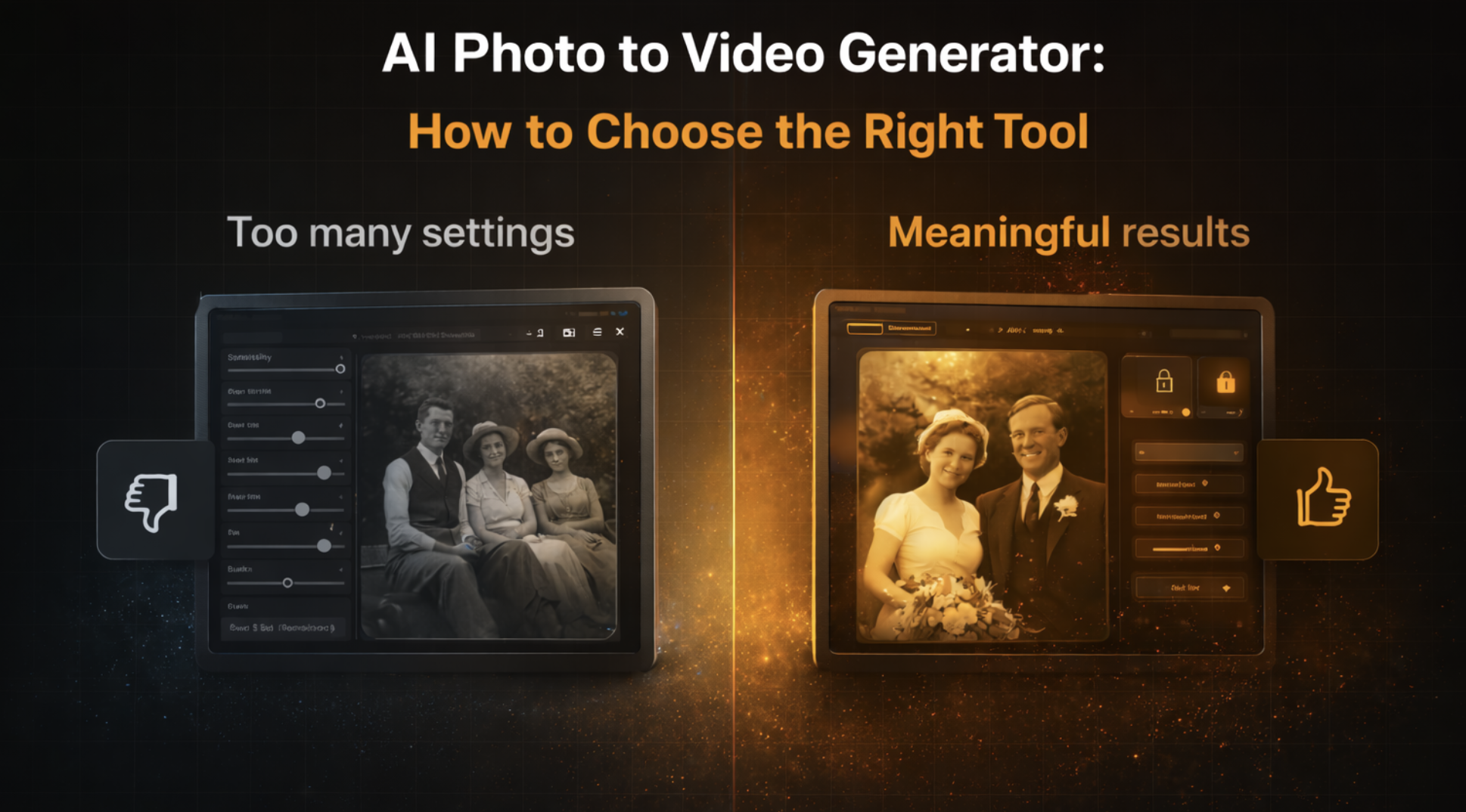
AI Photo to Video Generator: How to Choose the Right Tool
Many people expect similar results from different tools, only to discover that motion feels unnatural, faces behave oddly, or the final video doesn’t match the emotional tone they had in mind. In most cases, this isn’t a technical failure. It’s a choice problem. If you’re new to AI photo animation in general, start with our Animate Photos with AI: A Beginner’s Guide for background context.
This article focuses on something else: how to choose the right generator — and avoid the wrong one.
Why Most People Choose the Wrong AI Photo to Video Tool
The mistake usually happens at the very beginning. People often choose tools based on: ads or social media demos “best AI tool” lists number of features or sliders how dramatic the animation looks These signals are misleading. Tools are built for different purposes, and the one that looks impressive in a demo may be the wrong fit for your photos.
The Only Questions That Actually Matter Before Choosing
Instead of comparing tools, start by answering a few simple questions.
What Kind of Photos Are You Animating?
Not all photos behave the same way. Modern, high-quality portraits are very different from: scanned prints old family photos black-and-white images Older or scanned photos usually require more restrained motion. If that’s your case, it helps to understand why they behave differently — covered in detail in How to Animate Old Photos with AI.
How Subtle Should the Motion Be?
More movement does not mean better animation. In many cases: strong expressions feel artificial exaggerated motion breaks realism subtle changes feel more believable If you want the photo to feel “alive” rather than “animated,” restrained motion matters more than effects.
Do You Want Control or Predictable Results?
Some generators offer many controls. Others limit options intentionally. Controls can be useful for experimentation, but they also increase the chance of inconsistent results. For many users, especially beginners, predictable outcomes are more valuable than flexibility.
How Important Is Privacy for You?
This question is often overlooked. If you’re uploading: family photos personal portraits images of people who are no longer alive then privacy, data handling, and deletion policies matter as much as visual quality.
Common Disappointments Users Don’t Expect
Many frustrations come from mismatched expectations, not poor technology. Common reactions include: “It looks unnatural.” “The face moves too much.” “It doesn’t feel like the person.” “Results are inconsistent.” In most cases, these issues could have been avoided by choosing a tool aligned with the photo type and desired level of motion.
Free vs Paid AI Photo to Video Tools — The Real Difference
Free tools are useful for experimentation and curiosity. They help you understand what AI animation looks like. Paid tools usually focus on: consistency output quality stable results clearer privacy guarantees The difference is rarely about raw capability. It’s about reliability and intent.
When a Simple Tool Is Better Than a Powerful One
More features do not automatically lead to better results. Tools designed for personal memory creation, such as LiveMemo.app, often prioritize simplicity and restrained motion. This can be an advantage when working with meaningful or emotional images, where predictability matters more than experimentation.
How to Decide in 60 Seconds
If you’re unsure, use this quick check: If your photos are modern and experimental → flexibility may help If your photos are old or personal → restraint matters If privacy is important → read the data policy first If consistency matters → avoid overly complex tools The right choice usually becomes obvious once expectations are clear.
Final Thoughts
Choosing an AI photo to video generator is less about technology and more about intention. The best tool is the one that matches: your photo type your tolerance for motion your expectations your privacy needs When those align, the results feel natural — and the tool fades into the background.
About this article
This article was prepared by the LiveMemo team based on hands-on testing of AI photo to video generators and real user use cases, with a focus on practical decision-making, realistic expectations, and responsible use.
Ready to Bring Your Photos to Life?
Transform your cherished memories into living videos with LiveMemo's AI technology.
Try LiveMemo Free